
Affiliate platforms: questions to ask before you migrate (SaaS)
A practical checklist for migrating affiliate platforms in SaaS: what to export, how to compare ledgers, how to handle refunds and clawbacks, and the safest cutover plan.
Read articleA practical affiliate tracking debugging checklist for finding the leak before payouts become disputes
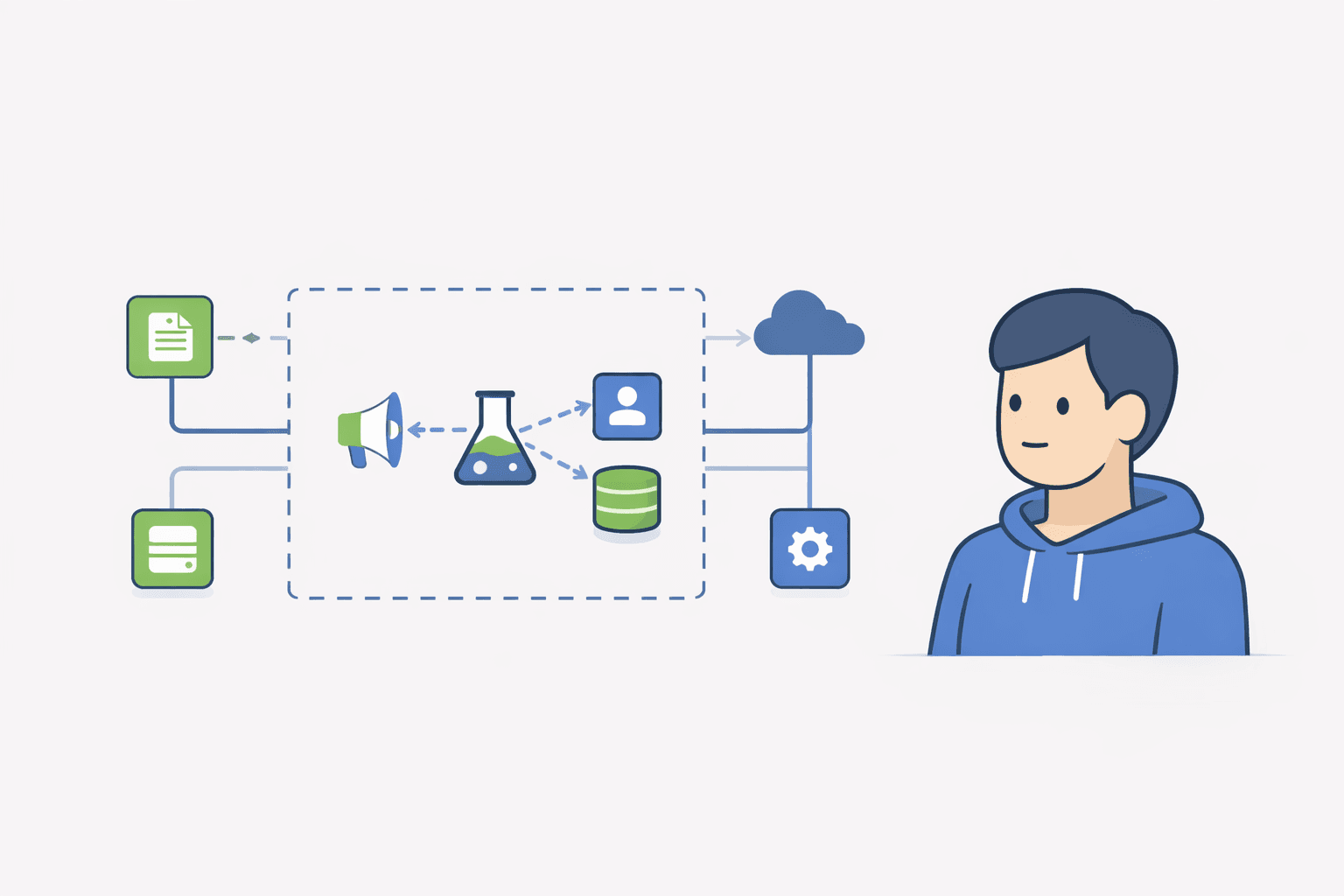
If affiliate tracking feels random, it usually is not. Most failures are repeatable: missing events, wrong attribution rules, broken subscription handoffs, and refund edge cases. This guide shows you how to debug affiliate tracking like an ops problem, so payouts stay boring.
If your real question is 'why was this conversion not tracked?' or 'why did this affiliate not get credit?', the fastest path is to audit the pipeline in order: click capture, signup attribution, paid invoice event, refund handling, and payout export.
Debugging affiliate tracking means proving why a conversion was credited or not credited. You feel the pain during payouts, refunds, and partner disputes.
To debug affiliate tracking, check five things in order: was the click or coupon captured, was attribution persisted on signup, did the paid invoice event arrive, did your rules evaluate correctly, and did refunds or chargebacks override the original commission later.
| Symptom | Most likely break | First thing to check |
|---|---|---|
| Click tracked, no commission | Attribution was not persisted to the customer record | Customer id or signup attribution field |
| Wrong affiliate got credit | Coupon vs link conflict rule is unclear | Published attribution rule and evaluation order |
| Recurring revenue not credited | Subscription renewal events are missing | Paid invoice / renewal event feed |
| Commission paid on refunded sale | Refund logic is disconnected from the original invoice | Refund-to-invoice linkage and approval delay |
| Payout export does not match dashboard | Manual adjustments are happening outside the ledger | Payout export process and adjustment notes |
Treat tracking as a pipeline: inputs become a commission decision, then become a payout line item.
Pick one conversion that was credited wrong. Trace it end to end: click or coupon, customer id, invoice id, refund status.
Confirm you record the paid invoice event and that it includes a stable customer identifier. Without that, everything downstream is guesswork.
Write the rule in one sentence. If you cannot, your system will not behave consistently.
Check whether refunds cancel commissions before payout. If not, you will claw back later and partners will be unhappy.
Disputes: If attribution is unclear, we review click and coupon data and apply our published rule. Manual overrides are documented as adjustments in the payout ledger.
Most missed affiliate conversions come from one of three places: the click was never persisted to the customer, the paid invoice event never arrived, or the rule engine decided that another signal should win (for example coupon over link).
Start with one disputed conversion and trace invoice ids. Most issues show up there.
With subscriptions, debug the full lifecycle: click capture, signup attribution, first paid invoice, renewals or upgrades, refunds, and the payout export. One-time-sale logic is rarely enough for SaaS.
Yes, or at least reconcile back to invoice-level revenue plus documented adjustments. If you cannot explain the difference between revenue events and payout rows, payout disputes will keep coming back.
Tracking breaks when you cannot prove why a number is true. Build around invoice ids, publish one clear rule, and keep a ledger.
Next step today: pick one disputed conversion and trace click or coupon to invoice to refund status.
I share practical notes on affiliate programs for SaaS.No spam. No hype.
Unsubscribe anytime. No spam.
Ready to launch?
If Rewardful feels like overkill, start simple: signup page + links + Stripe-attributed revenue.
A practical checklist for migrating affiliate platforms in SaaS: what to export, how to compare ledgers, how to handle refunds and clawbacks, and the safest cutover plan.
Read article
A founder-friendly guide to affiliate tracking for SaaS subscriptions: which event should earn commission, how to handle trials and plan changes, how recurring commissions work, and the tests that catch broken attribution.
Read article