
Affiliate platforms: questions to ask before you migrate (SaaS)
A practical checklist for migrating affiliate platforms in SaaS: what to export, how to compare ledgers, how to handle refunds and clawbacks, and the safest cutover plan.
Read articleThese are not interchangeable payout rails. One is usually a payout workflow, the other is platform infrastructure.
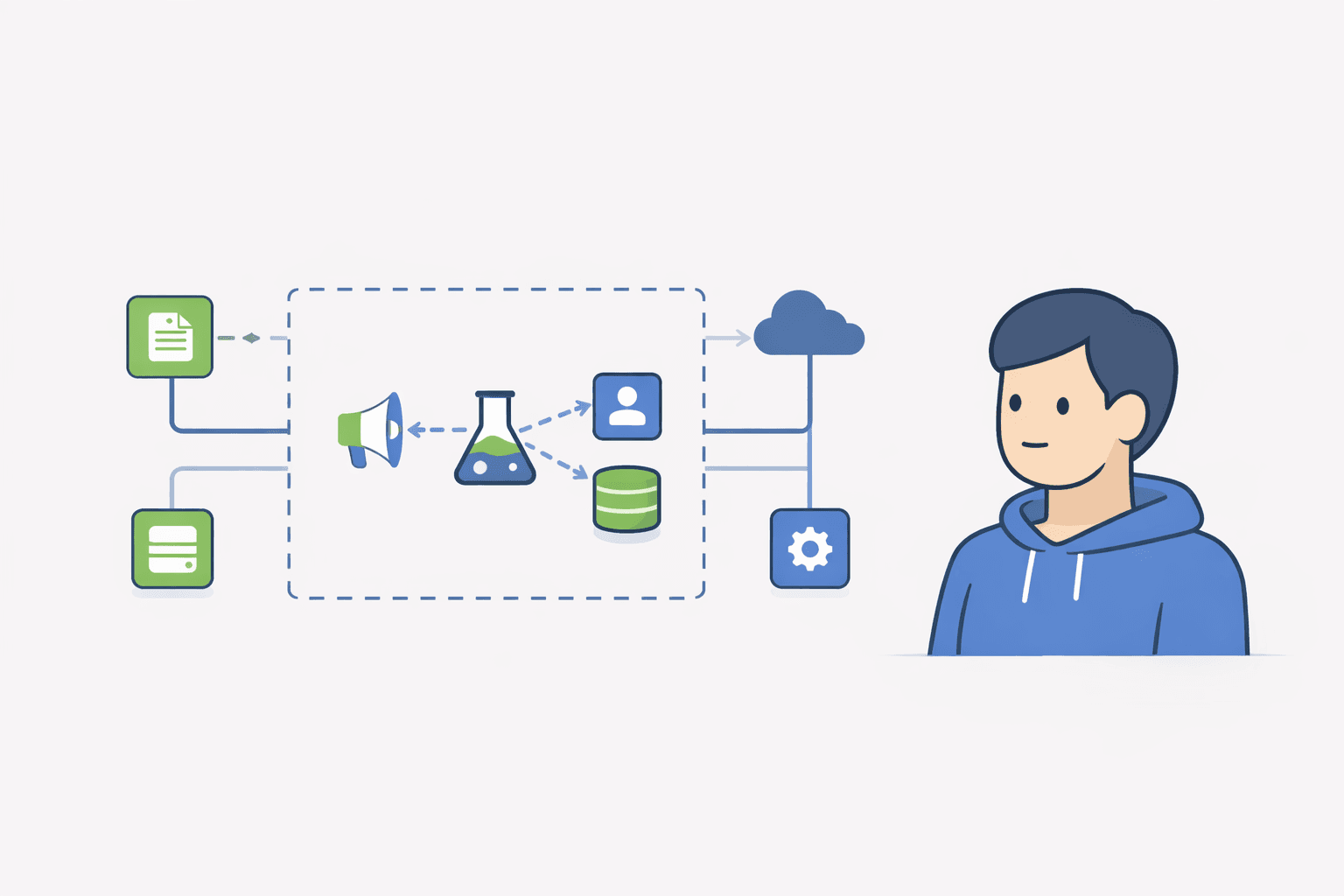
If you are building affiliate payouts on Stripe, the confusing part is that Stripe Connect and Stripe Global Payouts can both look like 'ways to send money'. Operationally, they solve different problems. For most affiliate programs, the right choice depends on whether you need platform-style account relationships or a simpler outbound payout workflow.
Use Stripe Connect when affiliate payouts are part of a deeper platform flow where you need connected accounts, onboarding, and money movement rules tied to those accounts. Use Stripe Global Payouts when your main job is paying approved affiliates or partners out in a clean outbound payout workflow. For most small SaaS affiliate programs, the safer default is still: keep commission approvals in your own ledger, export a payout-ready report, and automate the payout rail only after your refund and clawback rules are boring.
Stripe Connect is built for platforms that need to onboard third parties, manage connected accounts, and control how money moves in those account relationships. Stripe Global Payouts is a better mental match when the main need is simply sending funds out to recipients after your own internal approval process is done.
Affiliate programs usually need three things: (1) attribution and commission logic, (2) approval logic after the refund window, and (3) a payout rail. Only the third part is a payout product choice. The first two still belong to your own affiliate ledger and policy.
| Question | Stripe Connect | Stripe Global Payouts |
|---|---|---|
| Core job | Platform-style onboarding and money movement with connected accounts | Outbound payout workflow to recipients after your internal approval |
| Best affiliate use case | You need deeper account relationships or platform logic around payees | You want to pay approved affiliates without turning them into a platform-account project |
| Operational complexity | Higher | Usually lower |
| What it does not replace | Your commission ledger, approval timing, refund rules | Your commission ledger, approval timing, refund rules |
| Founder default | Usually overkill early | More plausible once payout volume is real |
| Stage | Recommended default | Why |
|---|---|---|
| 0-20 active affiliates | Manual approvals + payout export first | You need policy clarity more than payout automation |
| Growing self-serve SaaS | Ledger + payout export + simpler outbound payout rail | You want boring payout day without rebuilding your attribution model |
| Marketplace/platform complexity | Consider Connect | The account relationship may justify the heavier setup |
A common mistake is trying to automate payout rails before you have stable commission states. If affiliates can dispute what got approved, no Stripe product fixes that. Your policy and ledger have to work first.
Whether you use Stripe Connect, Stripe Global Payouts, or manual payouts, these fields should stay stable. If your ledger is stable, changing payout rails later is survivable. If it is not, every payout day becomes support work.
For TinyAffiliate users, the practical sequence is simple: first make attribution, approvals, and clawbacks predictable; only then decide whether your payout rail should stay manual, move to a simpler outbound payout setup, or graduate into a Connect-like workflow.
It can replace the payout part of the workflow when you mainly need to send money out to approved affiliates. It does not replace affiliate attribution, approvals, refund rules, or your commission ledger.
Not always. Many affiliate programs do not need the full connected-account model. Early on, a clean ledger plus a payout-ready export is often the better starting point.
Use your own commission ledger, approve after the refund window, pay monthly, and keep one clawback rule for refunds and disputes. Automate the payout rail only after that workflow is stable.
I share practical notes on affiliate programs for SaaS.No spam. No hype.
Unsubscribe anytime. No spam.
Ready to launch?
If Rewardful feels like overkill, start simple: signup page + links + Stripe-attributed revenue.
A practical checklist for migrating affiliate platforms in SaaS: what to export, how to compare ledgers, how to handle refunds and clawbacks, and the safest cutover plan.
Read article
A founder-friendly guide to affiliate tracking for SaaS subscriptions: which event should earn commission, how to handle trials and plan changes, how recurring commissions work, and the tests that catch broken attribution.
Read article