
Affiliate platforms: questions to ask before you migrate (SaaS)
A practical checklist for migrating affiliate platforms in SaaS: what to export, how to compare ledgers, how to handle refunds and clawbacks, and the safest cutover plan.
Read articleIf partners do not understand the rules in the dashboard, they will ask during payouts
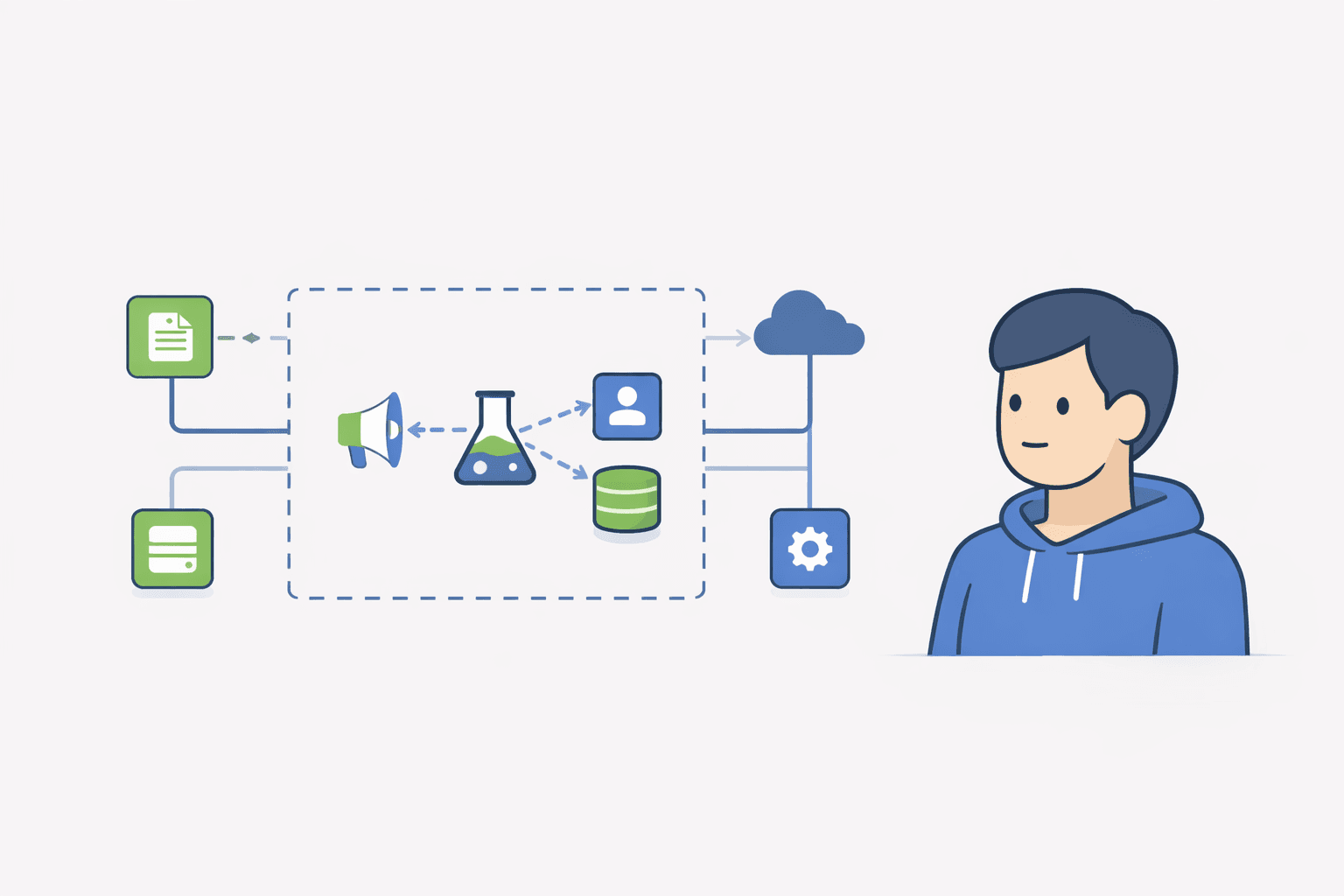
Most affiliate disputes are not fraud. They are confusion. If your dashboard shows a total number without showing the rule that produced it, partners will assume the system is wrong, especially when coupons, refunds, or multiple clicks exist.
This post gives you a simple dashboard spec to explain affiliate attribution in plain language: what got tracked, why something is pending, and what happens on refunds. The goal is boring payouts and fewer support tickets.
A good affiliate dashboard explains four things without making the partner guess: what attribution signal got credit, what counts as a conversion, why earnings are pending vs approved vs paid, and how refunds create adjustments. If those four answers are visible near the earnings table, most payout disputes never start.
If you answer these three questions clearly, most support tickets disappear. If you do not, you will keep getting the same email: ‘I sent you a customer but it didn’t show up.’
You cannot prevent all of this. What you can prevent is ambiguity: write one clear rule and show it inside the dashboard.
Add a small ‘How credit works’ panel near the earnings table. Use plain language and make it visible without scrolling. The panel should mention the attribution rule, conversion event, and the meaning of each payout status.
| Status | What it means | Why it exists |
|---|---|---|
| Pending | Tracked, but not payable yet | Protects against refunds/chargebacks |
| Approved | Payable in the next payout cycle | It’s past the refund window / reviewed |
| Paid | Included in a completed payout | So partners can reconcile payments |
If you don’t show statuses, partners assume the number is final. That’s how refunds turn into arguments.
If your program allows coupons, you must publish a conflict rule. Put the exact rule in the dashboard so affiliates don’t have to search your terms.
Example microcopy: ‘If a coupon is used, we attribute the conversion to the coupon owner — unless a different affiliate link click happened in the last 24 hours.’
The key is to show adjustments as line items. Hidden clawbacks feel like theft even when they are fair.
Usually because a click is not a conversion. A commission is created only when your defined conversion event happens (for example: first paid invoice). Also: last-click rules and coupon conflicts can change which partner gets credit.
Pending means it was tracked but isn’t payable yet. Most programs keep commissions pending until payment settles and the refund window passes.
Date, status, amount, and the attribution signal (link click vs coupon). If you can’t reconcile line items, disputes become inevitable.
I share practical notes on affiliate programs for SaaS.No spam. No hype.
Unsubscribe anytime. No spam.
Ready to launch?
If Rewardful feels like overkill, start simple: signup page + links + Stripe-attributed revenue.
A practical checklist for migrating affiliate platforms in SaaS: what to export, how to compare ledgers, how to handle refunds and clawbacks, and the safest cutover plan.
Read article
A founder-friendly guide to affiliate tracking for SaaS subscriptions: which event should earn commission, how to handle trials and plan changes, how recurring commissions work, and the tests that catch broken attribution.
Read article